
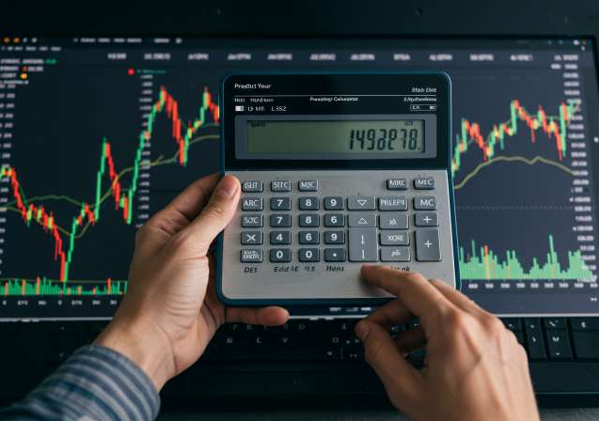
How to Use a Brokerage Calculator Before You Trade?
A trade has costs beyond the price shown on the screen. Fees and taxes can reduce a gain or add to a loss. Checking these costs before placing an order helps you see the gap between a price change and the amount left after charges. It also helps you plan the cash needed for a trade.
What does the tool show?
A Brokerage Calculator estimates the charges for a proposed trade. It uses details such as the buy price, sell price, quantity, exchange, and trade type. Some tools also show the gross gain, net gain, and break-even price.
The estimate should match the pricing plan linked to your Trading account. A tool based on a different plan may show charges that do not apply to you. Brokerage is only one part of the bill. Other levies can apply even when brokerage is zero.
Step 1: Choose the trade type
Start by selecting the segment. Common options include equity delivery, equity intraday, futures, and options. Delivery trades involve holding shares beyond the day of purchase. Intraday trades involve closing the position within the same trading day.
The choice matters because charges can differ by segment. Do not use an equity delivery estimate for an options trade. For contracts, check whether the quantity field needs units or lots. A lot contains a set number of units, so entering the wrong value changes the result.
Step 2: Select the exchange
Choose the exchange where you plan to place the order, such as NSE or BSE. Exchange transaction charges can differ. The same price and quantity may therefore produce a different cost estimate across exchanges.
Check that the tool uses current rates for your Trading account. A saved screenshot or an old fee table may not reflect the charges in force on the trade date. The broker’s published tariff and the exchange’s current charge schedule provide a basis for this check.
Step 3: Enter prices and quantity
Type the planned buy price, expected sell price, and number of shares or units. For a simple share trade, buy value equals buy price multiplied by quantity. Sell value uses the sell price in the same way.
Use the price per share, not the total order value, unless the field asks for it. Check each input before reading the result. The expected sell price is an assumption. A calculator cannot confirm that the market will reach it or that an order will fill there.
Step 4: Read the cost breakdown
Review each charge rather than just the final total. The breakdown may include:
– Brokerage: the broker’s fee under your plan.
– Securities Transaction Tax: a tax on eligible securities trades.
– Exchange charges: fees for transactions on the exchange.
– SEBI turnover fees: regulatory charges linked to turnover.
– Goods and Services Tax: tax on applicable service charges.
– Stamp duty: a levy on the buy side of applicable trades.
Rates and the side on which a levy applies depend on the segment and rules. Do not apply every charge to both buy and sell values without checking its basis. Also check whether brokerage is charged per executed order or through another method under your plan. nseindia.com
Step 5: Check gross and net results
Suppose you buy 100 shares at ₹200 each and sell them at ₹205 each. The buy value is ₹20,000, and the sell value is ₹20,500. The gross profit is ₹500.
Assume total trade charges are ₹60 purely for illustration. The profit after these charges is ₹440. This is not a quoted tariff, and it excludes any income tax due on the gain. If the gross result were a ₹500 loss, the same assumed charges would make the loss ₹560.
Step 6: Test a changed price
Change the sell price to see how costs affect the result. A small price gain may not cover the trade’s charges. The break-even price is the price at which the gross gain covers those costs.
Some charges change with trade value, so rerun the calculation when an input changes. A previous estimate may not apply to a revised order. Keep the quantity fixed while testing prices to see that effect clearly. Save the inputs with the estimate for a later check.
Know what may be excluded
Check the tool’s notes for depository charges, funding interest, account fees, or other costs outside the displayed estimate. Actual execution prices can also differ from the entered prices. After execution, compare charges with the contract note and account statement. Ask the broker to explain any unexplained difference.
Conclusion
Before a trade, select the right segment, exchange, plan, prices, and quantity. Review each charge and separate gross profit from profit after costs. Treat the result as an estimate, then check the actual bill once the trade is complete.